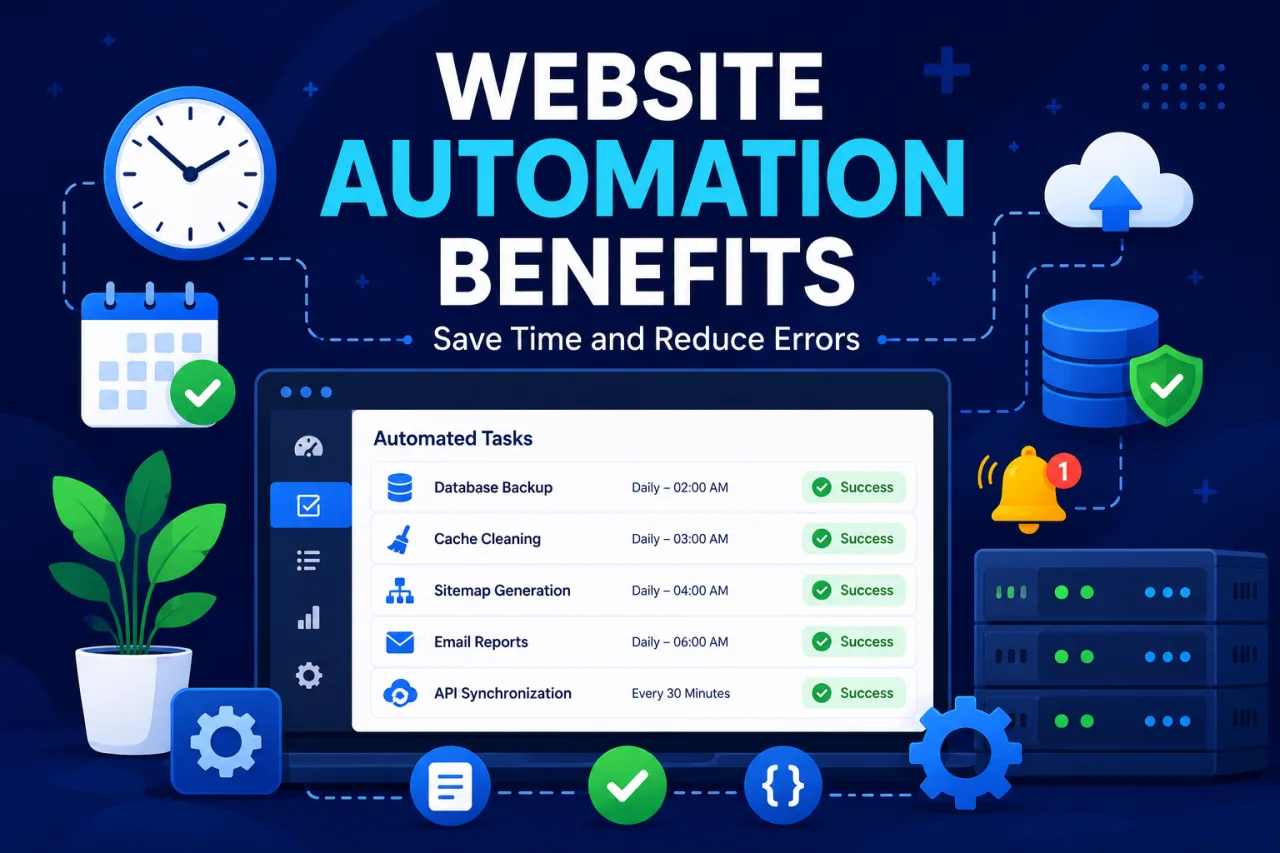
Running a website involves more than publishing pages and updating content. Behind the scenes, many repetitive tasks must happen every day to keep everything working smoothly. Automated website tasks help reduce manual work, improve reliability, and save valuable time for developers and website owners.
What Are Automated Website Tasks?
Automated tasks are actions performed by software without requiring manual intervention. They can run on a schedule, after specific events, or when certain conditions are met. Most websites rely on automation to perform maintenance and routine operations.
Examples include:
- Database backups
- Cache clearing
- Sitemap generation
- Email processing
- API synchronization
- Security scans
- Payment verification
- Content imports
Without automation, these tasks would require constant attention and increase the risk of human error.
Why Website Automation Matters
Manual processes are often slow and inconsistent. If an important task is forgotten, the consequences can affect website performance, user experience, and even revenue.
Automation ensures that critical processes happen on time and according to predefined rules. This improves reliability and allows teams to focus on more important work.
Consistent Performance
Automated systems execute tasks the same way every time. This consistency helps reduce mistakes and keeps websites operating efficiently.
Faster Problem Detection
Many automation tools include monitoring and reporting features. Website owners can quickly identify failed tasks and resolve issues before they become serious problems.
Common Automation Tools
Modern website owners have access to various automation solutions. These tools simplify management and reduce technical complexity.
Scheduled Task Managers
Scheduled task platforms allow users to run scripts, call URLs, and trigger actions at specific intervals. This is useful for websites that need recurring maintenance.
Monitoring Systems
Monitoring tools track task execution, uptime, response times, and failures. Detailed logs provide valuable information for troubleshooting.
Notification Services
Alerts can be sent through email, messaging platforms, or dashboards whenever a task encounters an error. Fast notifications help prevent downtime and data loss.
Best Practices for Automated Tasks
Automation works best when combined with proper planning and monitoring.
Review Logs Regularly
Execution logs provide insight into system behavior and help identify recurring issues.
Set Failure Notifications
Immediate alerts allow website owners to react quickly when a process stops working.
Test Changes Carefully
Before deploying new automated processes, verify that they work correctly in a safe environment.
Keep Backups Available
Even well-designed automation systems can fail. Reliable backups help protect important website data.
The Future of Website Automation
As websites become more complex, automation will continue to play a larger role. Businesses increasingly rely on automated workflows to improve efficiency, reduce operational costs, and maintain stable online services.
Advanced monitoring, smarter scheduling, and better reporting tools are making automation easier than ever. Whether managing a personal website or a large online platform, automated tasks help ensure that important processes continue running without interruption.
Final Thoughts
Website automation is one of the most effective ways to improve efficiency and reliability. By automating repetitive processes, monitoring results, and responding quickly to failures, website owners can save time, reduce errors, and maintain a healthier online presence.