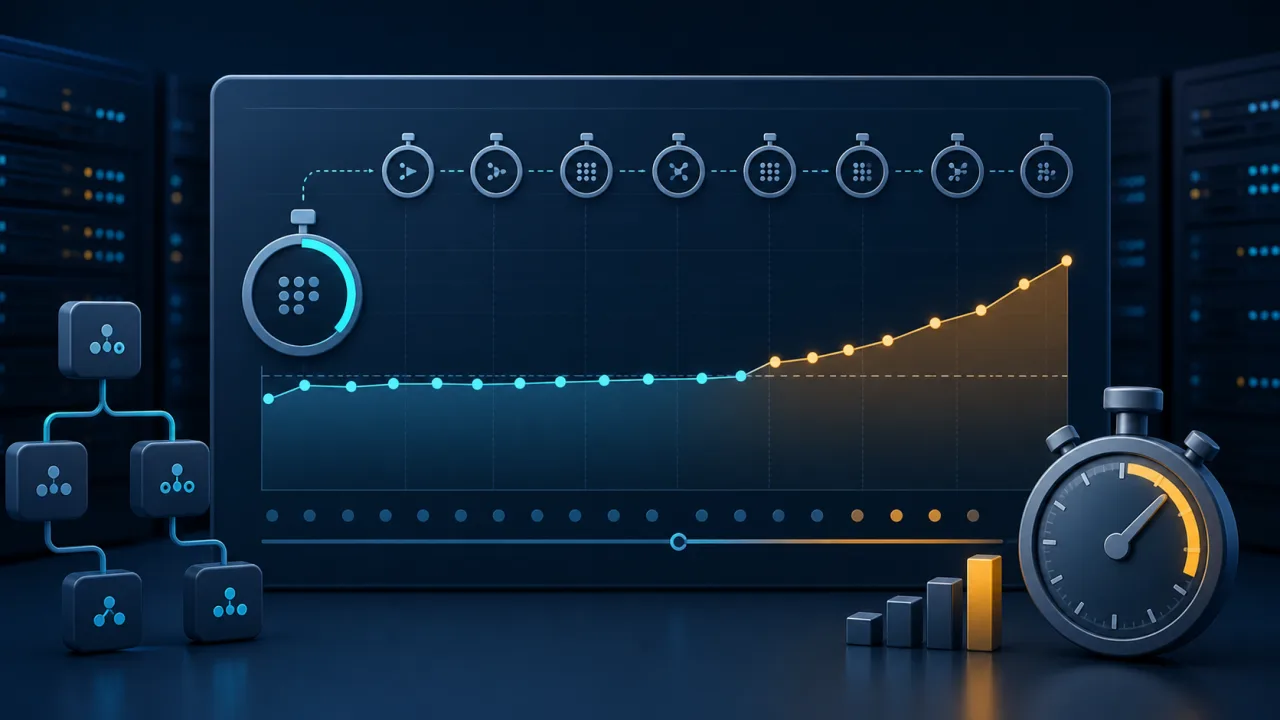
Scheduled jobs can remain technically successful while becoming steadily slower. A report that once finished in 40 seconds may take three minutes after a data-volume increase, an inefficient query, or a degraded downstream API. Monitoring only the exit status misses that early warning. Duration regression monitoring turns runtime into a measurable reliability signal.
This guide shows how to use a web cron job to record execution time, compare it with a useful baseline, and alert only when the slowdown is meaningful. The goal is not to punish normal variation. It is to spot sustained degradation before a task overlaps its next run or breaches a business deadline.
Why successful jobs can still be unhealthy
A scheduled task may return HTTP 200 and produce correct output, yet consume more database time, memory, or third-party capacity on every run. Common causes include growing tables, missing indexes, larger files, API throttling, cold caches, and new processing steps. Left unchecked, the runtime can eventually exceed the schedule interval and create concurrent executions.
Duration is therefore a companion metric to availability. Combine it with checks for response correctness, recent output, and dependency health. If the job calls a paginated API, for example, pair runtime monitoring with pagination gap monitoring so a faster but incomplete import is not mistaken for an improvement.
Capture reliable timing data
Record a start timestamp immediately before the work begins and an end timestamp after all required writes or uploads complete. Use a monotonic clock inside the worker when possible because wall-clock adjustments can distort elapsed time. If several servers participate, also monitor server clock drift so event timestamps remain comparable.
Store at least the job name, start time, duration in milliseconds, outcome, processed-item count, and deployment version. Item count adds essential context: a 90-second run processing 90,000 records may be healthier than a 60-second run processing 10,000. A small rolling history is enough for most operational decisions.
Build a baseline that respects normal variation
A single fixed threshold is simple but often noisy. Instead, calculate a recent median and a high percentile such as p95 over comparable successful runs. Compare weekday jobs with weekdays and hourly jobs with the same traffic window when workload patterns are predictable.
- Absolute ceiling: alert when runtime exceeds a hard operational deadline.
- Relative regression: alert when the current duration is substantially above its recent median.
- Repeated breach: require two or three consecutive slow runs for non-critical tasks.
- Throughput regression: compare milliseconds per item when batch size changes significantly.
Exclude failed or cancelled runs from the performance baseline, but keep them in the audit trail. Also mark deployments so the first runs after a release can be reviewed separately instead of silently reshaping the baseline.
Use a lightweight monitoring endpoint
Create a protected endpoint that reads the recent duration records, computes the baseline, and returns a concise result. A healthy response can include the latest duration, median, p95, item count, and threshold status. Return a non-success status only when the policy is breached, not merely because one run is slightly slower.
Schedule that endpoint shortly after the underlying job normally finishes. Allow realistic completion jitter, and make the check idempotent so retries do not alter job data. A web cron service can then call the endpoint on schedule and notify the operations channel when the result becomes unhealthy.
Choose thresholds from operational impact
Start with the deadline that matters to users or downstream systems. If an inventory refresh must finish before a morning storefront update, its absolute threshold should leave time for a safe retry. For frequent jobs, keep the threshold below the schedule interval to prevent overlap.
Relative thresholds should be large enough to ignore routine noise. A practical starting policy might require the latest duration to exceed both the p95 and 1.5 times the median for two consecutive runs. Tune the numbers with actual history rather than copying them blindly across workloads.
Make alerts actionable
An alert should identify the job, current duration, baseline, processed volume, recent trend, last deployment, and a link to logs or traces. State whether the job still completed successfully and how much time remains before the next scheduled run. This helps responders distinguish a capacity trend from an active outage.
If the slow task delivers webhooks, compare its regression with webhook delivery failure monitoring. Increasing retry counts or upstream latency may explain the extra runtime immediately.
Investigate regressions systematically
- Confirm whether input volume or item complexity changed.
- Compare database query plans, lock waits, and connection-pool pressure.
- Inspect third-party latency, retry counts, and rate-limit responses.
- Review the deployment or configuration change nearest the first slow run.
- Check CPU, memory, disk, and network saturation during the execution window.
- Run a representative sample in a safe environment before applying a fix.
Do not optimize solely for the lowest runtime. Preserve correctness, idempotency, and observability. A slightly slower job with complete validation can be preferable to a fast job that silently skips records.
Review the trend, not just the incident
Keep a simple weekly view of median, p95, maximum duration, throughput, and failure rate. Gradual growth is easier to address when detected early: archive old data, add an index, divide a batch, or increase capacity before the deadline is threatened.
Duration regression monitoring gives scheduled automation a performance budget. With a trustworthy baseline, impact-based thresholds, and concise alerts, you can catch slow degradation while there is still time to fix it calmly.