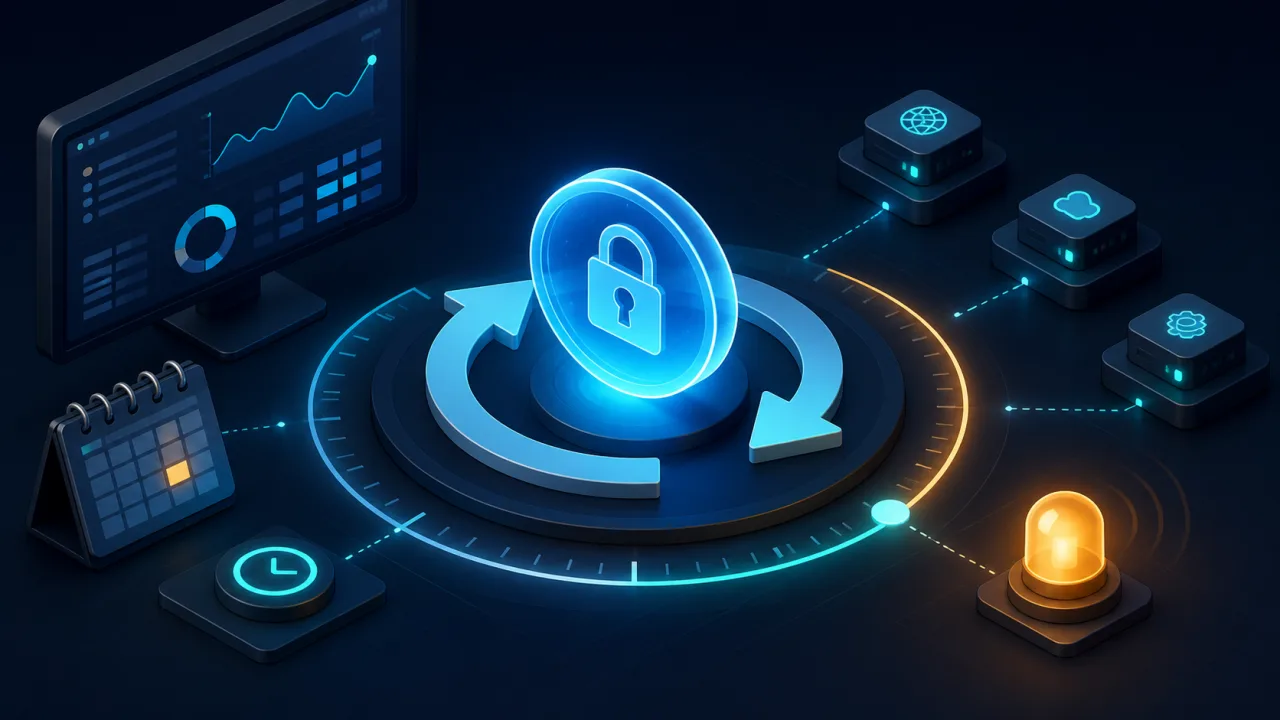
OAuth access tokens are intentionally short-lived, which limits the damage of a leaked credential but creates an operational dependency: applications must refresh or replace tokens before they interrupt scheduled work. A small web cron monitor can check token health without exposing the token itself or forcing a production failure to become the first warning.
Monitor lifecycle state, not the secret
The safest design is an authenticated internal status endpoint that returns only non-sensitive lifecycle data. Useful fields include the provider name, token type, expiration timestamp, last successful refresh time, refresh eligibility, granted scope names, and the next planned refresh. Never return an access token, refresh token, authorization code, client secret, or raw provider response.
Protect this endpoint with the same controls described in our guide to securing web cron endpoints. Use TLS, a dedicated monitor credential, strict authorization, and a response that reveals only what the check needs.
Use an explicit health contract
Give the monitor a compact and stable contract instead of making it understand every OAuth provider. For example, the endpoint can classify a credential as healthy, refresh_due, refresh_failed, or reauthorization_required. Include timestamps in UTC and a short machine-readable reason code.
- healthy: enough lifetime remains and recent refresh behavior is normal.
- refresh_due: the token is approaching the planned refresh window.
- refresh_failed: an automatic refresh attempt failed but recovery may still be possible.
- reauthorization_required: consent, account access, or the refresh credential is no longer valid.
This makes the scheduled check similar to a focused API health check, while keeping provider-specific logic inside the application that owns the integration.
Choose thresholds from token lifetime
A fixed warning such as “one hour remaining” works poorly across providers. Some tokens last minutes, others hours, and certain credentials use rolling expiration. Combine an absolute safety margin with a percentage of the normal lifetime. A practical policy might schedule refresh at 20% remaining, warn at 10%, and alert critically when the remaining lifetime is shorter than the longest expected recovery time.
Include clock skew in the calculation. Application servers, workers, and providers can disagree by several seconds. Expire credentials locally a little earlier than the provider does, and store all comparisons in UTC.
Schedule the monitor independently
Do not make the monitor and refresh worker the same job. The refresh process changes state; the monitor verifies that the state changed as expected. Run the monitor often enough to catch a missed refresh before expiry, but not so often that it creates noise or pressure on provider APIs.
For a token with a one-hour lifetime, a check every five minutes may be reasonable. Longer-lived integrations may need only hourly checks. If the monitor calls a provider endpoint, account for the rate-limit guidance in our article on monitoring third-party API limits.
Prefer a safe refresh probe
A status-only check proves that stored timestamps look valid, not that refresh still works. Where the provider and application design allow it, perform a controlled refresh probe inside a defined window. The application should acquire the normal distributed lock, refresh once, store the new expiration safely, and return only the result classification.
Never refresh on every monitoring request. That can rotate refresh tokens too frequently, create races, or invalidate credentials used by another worker. If the integration uses rotating refresh tokens, update the new token and expiration atomically.
Prevent overlapping refresh attempts
Multiple app instances may notice the same deadline. Use a database advisory lock, distributed lock, or compare-and-swap update so only one worker refreshes a credential. Other workers should re-read state after the lock holder finishes. Record an operation ID and timestamps, but never record secret values.
If refresh work can run longer than the schedule interval, apply the same reasoning as our guide to preventing overlapping cron jobs.
Interpret failures precisely
- 401 or invalid_client: verify client configuration through a secure operational process.
- invalid_grant: the refresh credential may be revoked, expired, reused, or tied to changed consent.
- 403 or insufficient_scope: compare required and granted scopes without displaying tokens.
- 429: honor the provider retry window and suppress repeated refresh attempts.
- 5xx or network timeout: retry with bounded exponential backoff and preserve the current usable token.
Classify a transient provider outage differently from a permanent authorization failure. The alert should tell the operator whether to wait, retry, inspect configuration, or request user reauthorization.
Send useful alerts without leaking credentials
An alert should identify the integration, affected account by an internal identifier, remaining lifetime, last successful refresh, failure class, retry count, and a runbook link. Redact query strings and response bodies. Avoid sending provider account email addresses unless the alert channel is explicitly approved for that data.
Group repeated failures into one incident and send a recovery notification after a successful refresh. This keeps the signal useful, a core principle in reliable cron monitoring.
Test the full lifecycle
- Healthy token with plenty of lifetime remaining.
- Token entering the planned refresh window.
- Successful refresh with a new expiration timestamp.
- Concurrent refresh attempts from multiple workers.
- Rotating refresh token stored atomically.
- Provider timeout, rate limit, and temporary server error.
- Revoked consent or invalid refresh credential.
- Clock skew and delayed cron execution.
- Alert delivery and recovery notification.
Common mistakes
- Logging or returning raw token values.
- Trusting a stored expiration timestamp without testing refresh behavior.
- Refreshing on every monitor request.
- Using one fixed threshold for every provider.
- Ignoring clock skew and recovery time.
- Allowing several workers to rotate the same refresh token.
- Treating permanent authorization failures as transient outages.
Implementation checklist
- Create a minimal, authenticated lifecycle endpoint.
- Normalize provider states into a stable health contract.
- Set percentage and absolute safety thresholds.
- Separate monitoring from state-changing refresh work.
- Lock refresh attempts and store rotations atomically.
- Redact secrets from logs, alerts, and responses.
- Test expiry, revocation, throttling, concurrency, and recovery.
A good OAuth token monitor does not make credentials more visible. It makes their lifecycle predictable. With a narrow status contract, safe refresh verification, clear thresholds, and disciplined alerts, a web cron job can surface problems early while keeping sensitive values out of the monitoring path.